


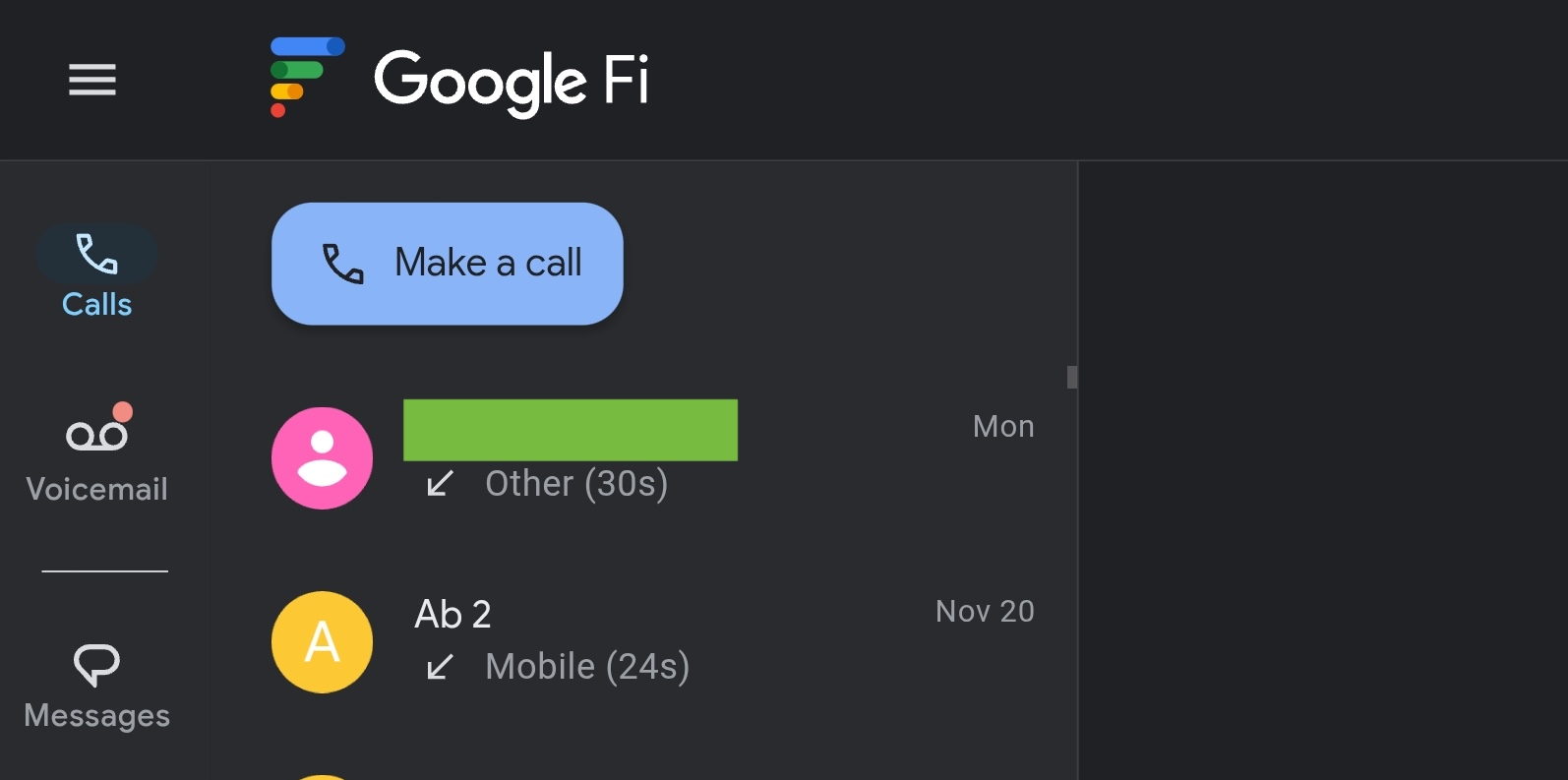
Back in October, Google said Fi Wireless would “update web calls and messages.” This works by introducing a new Google Fi Web Calls page, while RCS is now handled by Google Messages for web.
Previously, to access text, calls, and voicemails on the web — like what Hangouts offered — with Google Fi, RCS was not available:
Make calls, send texts, and check voicemail with your phone or computer. Even when your phone is off, text conversations stay synced across the Messages mobile app and Messages for web.
Google Fi’s new system allows RCS by moving calling and voicemail to a new website: fi.google.com/webcalls. This is only available on Android and not iOS.
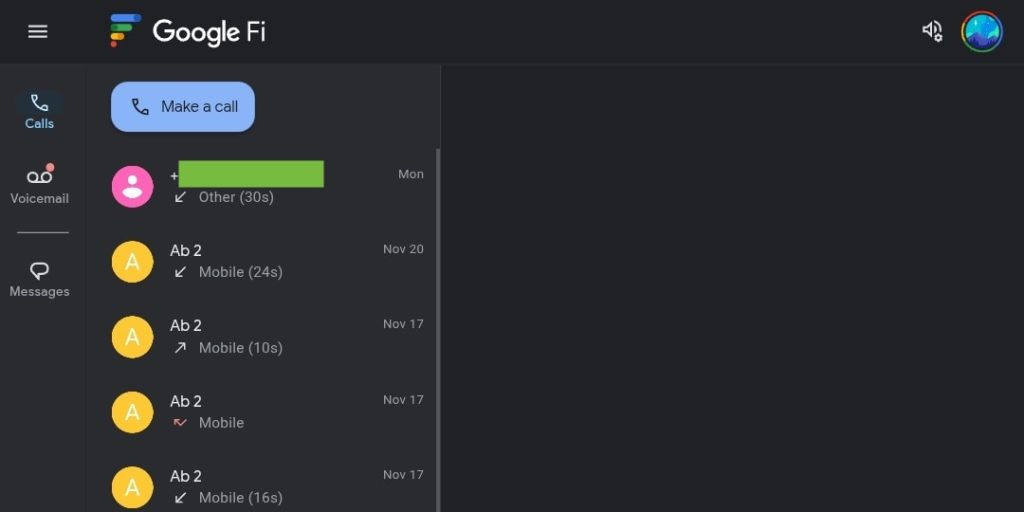

This experience lacks texting capabilities as Google is just moving all Fi users to the existing messages.google.com/web approach, with the new “webcalls” page simply linking to it in the navigation drawer/rail that has two tabs: Calls and Voicemail.
Web Calls lets you “make phone calls and check your voicemail with Google Fi” on tablets and laptops signed into your Google Account. Compared to before where everything was available on one site, you now have to use two. Design-wise, they are nearly identical. You can get web notifications for incoming calls and new voicemails.
At launch, Google explains how:
Web calls syncs with your messages
Your calls and voicemails are linked with Messages for web, making it easy to continue the conversation over text. This includes RCS chats, which offer richer features like high-resolution media sharing.
Of note is the continued ability: “Even when your phone is off, you can still make and receive calls when signed in to this page.”
Other nuances with Google Fi Web Calls include:
- When you delete a call from your history on the web, this change doesn’t show on any other device.
- When you delete a voicemail, the system removes the voicemail from all of your synced devices.
- You can’t delete multiple calls or voicemails at the same time on the web.
- If you just activated Google Fi service on your Android phone, wait 24 hours before you try to activate web calls.
Meanwhile, to enable RCS, you have to first “Stop sync with Google Fi” and then enable RCS at the top of the app’s settings page.
- On your device, open Google Messages.
- At the top right, tap your Profile picture or Initial > Messages settings.
- Tap Advanced > Google Fi Wireless settings > Sign in to your Google Fi account.
- Select your account.
- In the “Using RCS chats?” dialog, select Turn off.
- On the screen, tap Sync conversations.
- At the bottom, tap Stop sync & sign out.
- In the confirmation dialog, tap Stop syncing.


FTC: We use income earning auto affiliate links. More.




