


Material 3 Expressive came to Pixels earlier this year but not as part of the first Android 16 upgrade—Google’s relationship with Android versions is complicated these days. Regardless, Material 3 will get a bit more cohesive on Pixels following this update. Google will now apply Material theming to all icons on your device automatically, replacing legacy colored icons with theme-friendly versions. Similarly, dark mode will be supported across more apps, even if the devs haven’t added support. Google is also adding a few more icon shape options if you want to jazz up your home screen.
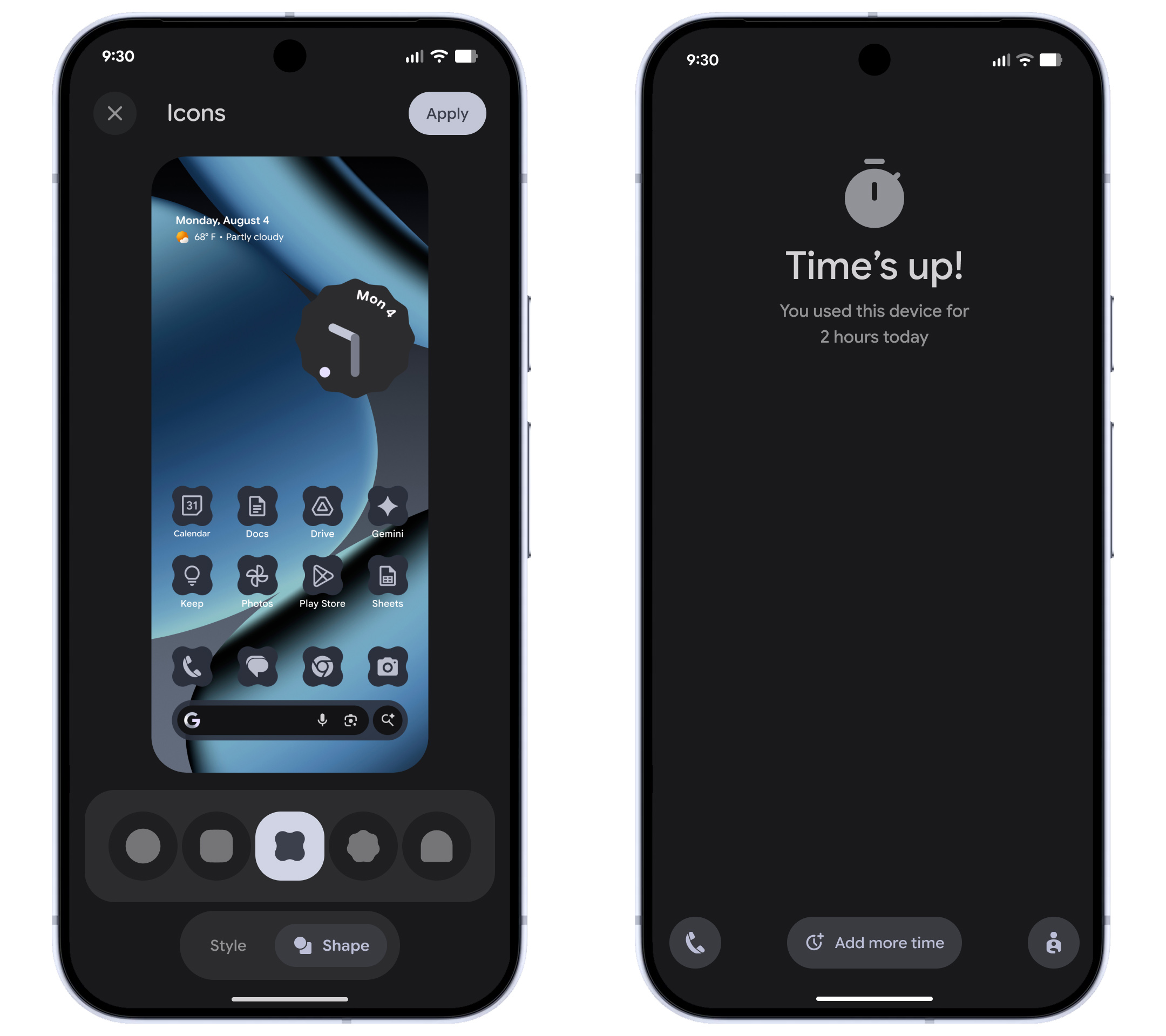
By way of functional changes, Google has added a more intuitive way of managing parental controls—you can just use the managed device directly. Parents will be able to set a PIN code for accessing features like screen time, app usage, and so on without grabbing a different device. If you want more options or control, the new on-device settings will also help you configure Google Family Link.
Android for all
No Pixel? No problem. Google has also bundled up a collection of app and system updates that will begin rolling out today for all supported Android devices.
Chrome for Android is getting an update with tab pinning, mirroring a feature that has been in the desktop version since time immemorial. The Google Messages app is also taking care of some low-hanging fruit. When you’re invited to a group chat by a new number, the app will display group information and a one-tap option to leave and report the chat as spam.
Google’s official dialer app comes on Pixels, but it’s also in the Play Store for anyone to download. If you and your contacts use Google Dialer, you’ll soon be able to place calls with a “reason.” You can flag a call as “Urgent” to indicate to the recipient that they shouldn’t send you to voicemail. The urgent label will also remain in the call history if they miss the call.



